
Notes · Google
A Google Business Profile checklist for restaurants
Most people meet your restaurant on Google before they meet you. This is the list we work through on every listing, written so you can do it yourself on a slow afternoon.
By Domin8te Media · Updated · 7 min read
How do I claim my restaurant's Google Business Profile?
Claim and verify your restaurant's Google Business Profile first, from an account the business controls. Nothing else on a Google Business Profile checklist works until you can get into the listing.
The profile is the box that shows up when someone types "brunch near me" or your name into Google or Maps. For a lot of people it is the first thing they see of you.
- Search for your place and look for the profileSearch your restaurant's name on Google while signed in. If Google asks whether you own this business, it is not claimed by you yet.
- Claim and verify itGoogle asks you to prove the business is yours, often by video, phone, text or a code. It can take a while, so do it before anything is urgent.
- Put the business in chargeThe owner of the profile should be an account the business controls, not the agency you used years ago or the nephew who set it up. People leave. The listing should not leave with them.
- Add other people as managers, not ownersStaff or anyone helping you can be added by email with their own login. Nobody needs your password.
What name and category should my listing use?
A restaurant's Google Business Profile should use the real name on the sign, the menu and the receipts, filed under the most specific category that is true. Google's guidelines ask for the real name, and stuffing extra words into it can get the listing suspended.
It is tempting to call the listing "Rosa's Best Pizza Downtown Delivery". Do not.
- Name: exactly as on the signNo neighbourhoods, no dishes, no taglines. If the sign says "Rosa's", the listing says "Rosa's".
- Primary category: the most specific true one"Restaurant" is vague. "Vietnamese restaurant", "Bakery" or "Coffee shop" tells Google and the hungry person what you are.
- Extra categories: only what you really doA café that serves a proper brunch might add "Brunch restaurant". A bakery with seating might add "Café".
- Description: plain words, no keyword listsA few sentences on what you serve, the way you would describe it to a neighbour.
Hours people can actually trust.
Set regular, holiday and special hours on your Google Business Profile, and change them before the day they apply. Wrong hours on Google are the fastest way for a restaurant to lose a regular.
Someone walks over on a Monday because Google said you were open, finds the door locked, and remembers.
- Regular hours for every dayCheck each day, including the late night on Friday and the early close on Sunday.
- Holiday hours, before the holidaySet them ahead of time for statutory holidays and long weekends. Google often nudges you. Answer the nudge.
- Special hours for one-off changesA private event, a staff party, a snow day. Add that date and its hours only.
- Temporarily closed, not permanentlyClosing for a renovation? Use the temporary option. Permanently closed is hard to undo.
Photos that look like the place today.
The best Google Business Profile photos for a restaurant show the storefront from the street, the room from a guest's seat and the dishes people actually order, all as they look today. People use the photos to answer simple questions: is it nice inside, and which door is it?
A clean phone lens and daylight go a long way.
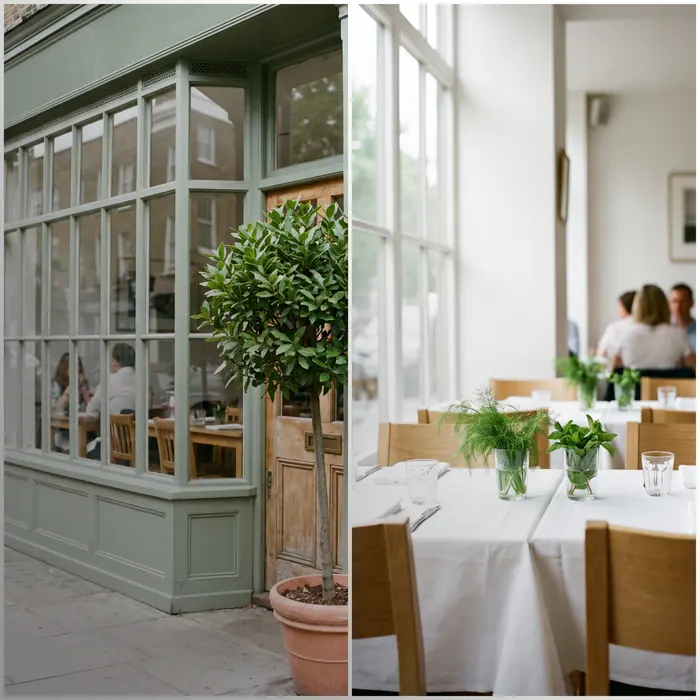
- The storefront from the streetShot from across the road, the way someone walking up would see it. This is how people recognise you on a busy block.
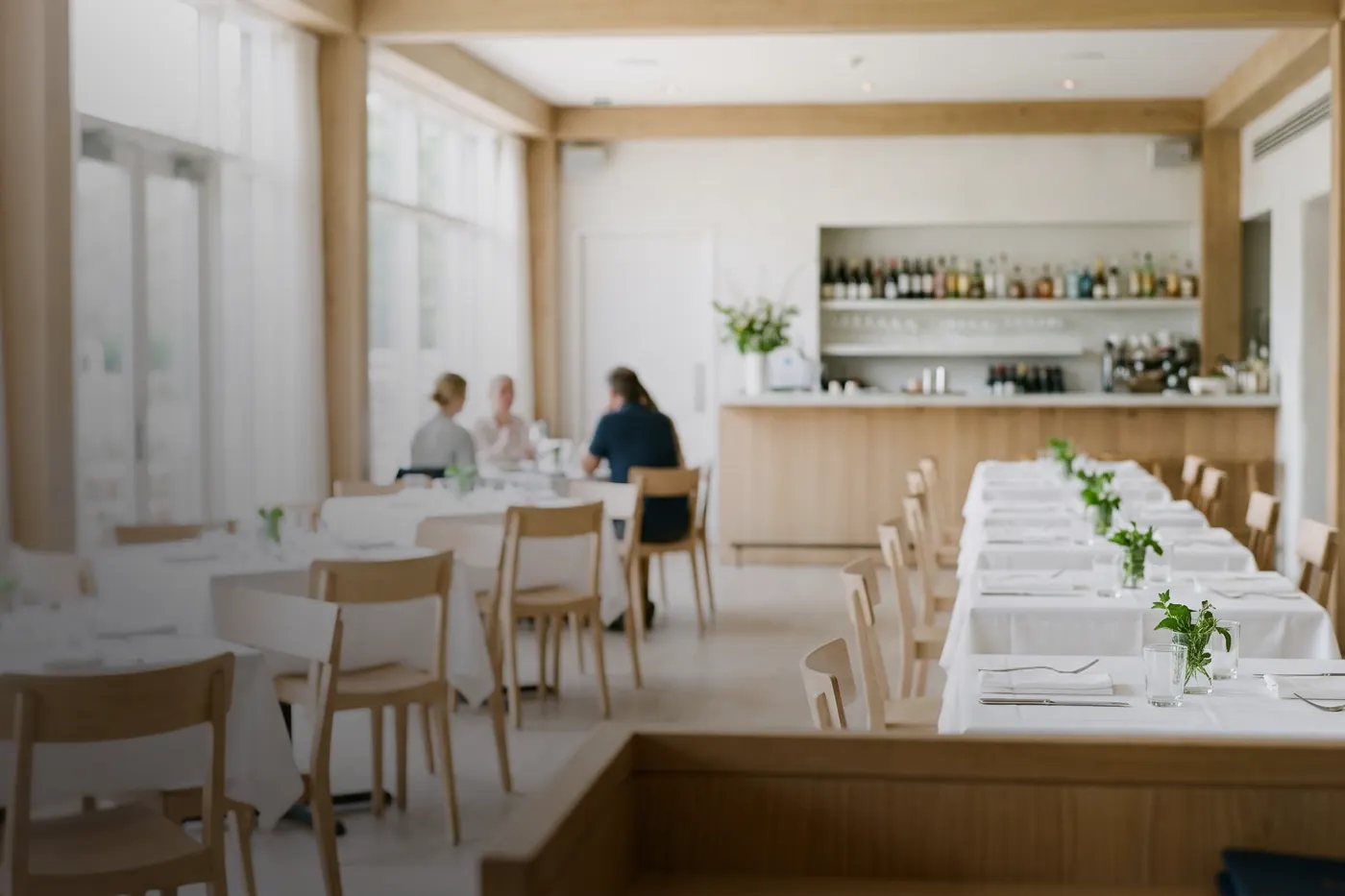
- The inside, from where a guest sitsThe room at a normal moment, lights on, tables set.
- The dishes people actually orderYour best sellers and the thing everyone comes back for, not the one plate you made once for a photo.
- Kept currentWhen the menu changes for the season, when you repaint, when the soup comes back for winter, add new photos. Remove what is gone.
Should I reply to every Google review?
Yes: a restaurant should reply to every Google review, good or bad, in two or three human sentences. Reviews are read by the person deciding where to eat tonight, so each reply speaks to that person as much as to the reviewer.
- Thank the good onesA short thank you. If they named a dish, mention it.
- Keep it short and humanNot the same copied paragraph pasted under every review.
- Never argue in publicFor a bad review, thank them, say sorry for the part that went wrong, and offer to talk directly.
- Ask, but ask fairlyGoogle does not allow offering anything in exchange for a review: no free dessert, no discount, no draw. It also does not want you asking only the happy tables. Ask everyone, or no one.
- Mind the anti-spam law when you message peopleIn Canada, the anti-spam law (CASL) covers commercial emails and texts. If you email or text customers to ask for a review, make sure you have their consent, say who you are, and give an easy way to opt out. A small card with the bill or a sign by the till avoids the question entirely.
How often should I update my Google Business Profile?
Check your restaurant's Google Business Profile every week, and post whenever there is a special, an event or an hours change. A listing is not a form you fill in once: the ones that do well look looked after.
- Post your specials and eventsProfile updates are made for exactly this: the Tuesday special, a wine night, the new patio menu, the holiday hours. A photo and a couple of lines is plenty.
- Match your website, word for wordName, address, phone and hours should read the same on your listing and your site. When they disagree, everyone starts guessing.
- Do not forget Apple MapsPlenty of iPhone users search in Apple Maps first, and Apple has its own tool for businesses. Check your hours and details there too, and change both at the same time.
- Look for what changedEach week, look for new reviews, new questions and any edits suggested by the public. Anyone can suggest a change, and some go through.
If you would rather hand it over
All of this is free to do yourself, and plenty of owners do. If your afternoons are already spoken for, it is what our restaurant SEO work covers: we fix the profile, answer every new review, and keep the listing in step with your site, so new hours confirmed once show up on Google, Apple Maps and your website. Tell us what is slipping and get your plan, in plain English, within one business day.
Questions owners ask
Is a Google Business Profile free?
Yes, a Google Business Profile is free: creating, claiming and editing one costs nothing. If someone calls saying you must pay to keep your restaurant listed on Google or to verify it, be careful. That is not how Google works.
How do I give someone access without sharing my password?
Add the person as a manager from inside your Google Business Profile, using their email address. They sign in with their own Google account, and you can remove them any time.
What if someone else already claimed my restaurant's listing?
Ask whoever set up the listing, such as a former agency, staff member or relative, to make you an owner. If you cannot reach them, Google offers a way to request access when you try to claim the profile. The current owner is asked to respond, and if they do not, Google may let you verify and take it over.
How often should I check my Google Business Profile?
Check your Google Business Profile once a week; that is a good habit for most restaurants and cafés. Look for new reviews to answer, questions from customers, and edits other people have suggested.
Service · SEO
Restaurant SEO and your Google Business Profile
Your Google listing, your reviews and your site, set up for the person searching "near me".
Service · Website
Restaurant websites that open on any phone
Phone-first restaurant websites with the menu, hours, directions and booking up top.